Showing posts with label Apps. Show all posts

Saturday, 2 November 2013

Download and install the new KiKat Launcher [Android 4.4]

Leave a Comment


The following features will be part of the new Launcher:
  • Transparent navigation and status bars in launcher (not in apps)
  • Google Search integrated with Google Experience
  • Left screen dedicated to Google Search
  • Google Search has a reminder button
  • Google Search’s voice input is transparent and on the bottom of the screen
  • No apparent limit on home screens
  • Infinite apps in folders
  • No widgets added from app drawer
Android 4.4 KitKat Google Experience Launcher

Install the new Google Experience Launcher.The apps are taken from the Factory images of Nexus 5 . Here’s what you’ll need to install:

PreBuiltGmsCore (Google Play Services 4.0)
Velvet (Google Search)
GoogleHome (Google Launcher)

Enjoy!

Via : XDA
Read More...

Tuesday, 22 October 2013

Install Play Store 4.4 Now [APK ]

Leave a Comment
Google Play Store 4.4.21 download

After Nexus 5 leaks,the Upcoming Google Play Store also being leaked and the download link can be found below.
Like most of the other Google Apps ,even Play Store is now upgraded with sliding navigation drawer. The upgrade is minimal and will be found in next version of Android a.k.a KitKat .

Download: Google Play Store 4.4.21


News Source: http://phandroid.com
Read More...

Sunday, 6 October 2013

Cyanogenmod Installer App Hands On

Leave a Comment


With CyanogenMod becoming an official company, it announced plans to push out an app that would make installing CyanogenMod easy. Now CyanogenMod gets installed to your device with just few clicks .  ROM installation was considered a tough job and there were chances of having problems. Now you just require a app from play Store and it will do rest of the job for you .
For the Demo see the Video:


Current Device Supported are : maguro, crespo, toro, toroplus, grouper, flo, mako, manta, skyrocket, hercules, i9100, i9300, d2att, d2spr, d2tmo, jfltexx, quincyatt, quincytmo, t0ltetmo, m7ul.
Read More...

Friday, 4 October 2013

Use Google Now in any Language

Leave a Comment


This mod allows you to continue using Google Now as you're used to, but without having to compromise with your own language of choice - Whether it be Spanish, French, Swedish or any other language that is supported as of Jelly Bean(4.1 and above).This modification is done by Sletmo.
Root is required for this. To install the modified version of Google Now, all you have to do is replace the existing system app (either Velvet.apk or GoogleQuickSearchBox.apk) with the modified version.

Installation Instructions:
1. Download the file from below link. 
2. Remount /system with read/write permissions
3. Copy the apk to /system/app/Velvet.apk
IMPORTANT - If Velvet.apk does not already exist in /system/app/ it could be having another name. If GoogleQuickSearchBox.apk is there, replace that file instead.
4. Remount /system with read-only permissions again
5. Install the apk as you would the normal way


Download Link
dl.dropbox.com/u/22829424/Velvet.apk


XDA Thread


Read More...

Monday, 26 August 2013

How To Create Fake Conversation On Whatsapp

Leave a Comment
Cover art
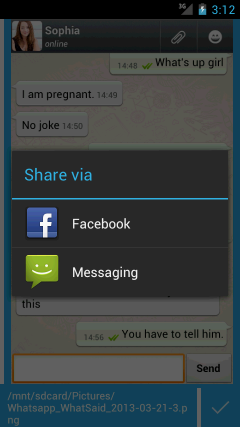
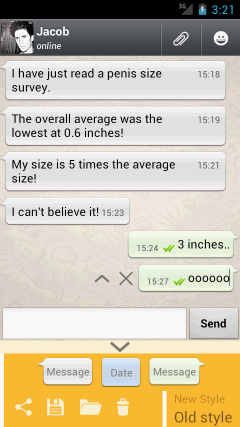
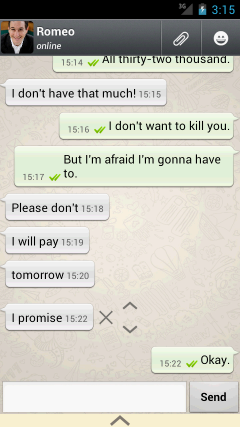
Wanna Create a Whatsapp Conversation that never existed .Yes You can Do this Now With this App called Whatssaid for whatsapp android. Prank your friends by making up your own WhatsApp conversations and share them with all your friends to see their reaction.
Whatsaid Allow Us to create a fake conversion with any contact in our whatsapp contacts and the best part is it looks like the real deal and its hard to caught.So here is how to do it.


Download Links:

Apk WhatSaid

OR

Google Play Store LINK

Developer: Totem Studio 
Read More...

Tuesday, 20 August 2013

[New UI] YouTube 5.0 Download

Leave a Comment
youtube-logo

YouTube started rolling out a big update  with the headlining feature being in-app multitasking means now you can minimize a video while searching for the video .From there, you can dismiss said video by swiping it left or right, and bringing it back to full size is accomplished by tapping the video or an upward swipe. 
Update #1: A brand new app icon which is shown above.
Update #2: The landscape UI on 7" tablets is now no longer just full-screen like it is on phones. Say hello to a fully-functional landscape tablet UI.

Update #3: At last, YouTube now honors the global auto-rotate setting and doesn't flip to landscape if auto-rotate is off. However, there's now a button in the bottom right corner of the video to force the landscape full-screen mode if you want it. I think it's the ideal solution to this previously controversial situation.

Update #4: The TV Queue UI got updated as well.


A brand new card-based UI - the app looks better than ever before and also it gives hints to upcoming Android 5.0 UI (cards based)

Download Link 


image: droid life

Read More...

Sunday, 18 August 2013

ChromeCast Emulator For All Android Devices: CheapCast

Leave a Comment
CheapCastThe Chromecast is a unique cheap device  has sold until the stocks replenished and now Google is struggling with the demand. Chromecast can turn your TV into a smart media streaming TV, CheapCast can turn your secondary Android device into a Chromecast receiver. The application works exactly like Chromecast, and allows you to cast from any app that was updated to add support for ChromeCasting.
The apps which are supported are Google Music and YouTube.At the moment, the app does not support Chromecasting of Chrome tabs from PCs .


The app MUST BE installed in both devices ie sender and receiver .
CheapCast can be downloaded for free from the Play Store

Read More...

Thursday, 18 July 2013

Root Samsung Galaxy Pocket Neo

Leave a Comment


Download the following files 
                                                             Links: Download here 

"KEEP IN SD CARD DIRECTLY NOT IN ANY FOLDER" 


- reboot your device in recovery mode.. HOW? 

HOLD - VOLUME UP + HOME BUTTON + POWER BUTTON 
Till u get in the recovery mode.

then using The VOLUME BUTTON scroll "up-down"

select - apply update.zip from sd card

scroll down using volume down - select downloaded file

select - YES

And done your phone is rooted!!

Reboot your phone.


Report at this Link if this this not working as its not tested by me.


Credits :mjp93

For Reference you can see the below video:


Read More...

Sunday, 14 July 2013

Micromax Canvas 4 Blow to Unlock/Shake In Any Android Device

Leave a Comment
\

Micromax launched their flagship Canvas 4 . It has a pretty good features and specifications .
But the Blow to Unlock Feature caught my eye . The Good thing is that the Lockscreen works in most of the device and i tried it on Galaxy Y and Nexus 7 worked pretty well.
Follow the video and Download Links are in Video description .
Enjoy.


Read More...

Sunday, 7 July 2013

Root Samsung Galaxy Star Duos - GT-S5282/5280

Leave a Comment


Download the following files 

"KEEP IN SD CARD DIRECTLY NOT IN ANY FOLDER" 

- reboot your device in recovery mode.. HOW? 

HOLD - VOLUME UP + HOME BUTTON + POWER BUTTON 
Till u get in the recovery mode.

then using The VOLUME BUTTON scroll "up-down"

select - apply update.zip from sd card

scroll down using volume down - select downloaded file

select - YES

And done your phone is rooted!!

Reboot your phone.


Report at this Link if this this not working as its not tested by me.


Credits :mjp93

For Reference you can see the below video:


Read More...

Saturday, 6 July 2013

Install Android 4.3 version Camera and Gallery on Android Devices

Leave a Comment
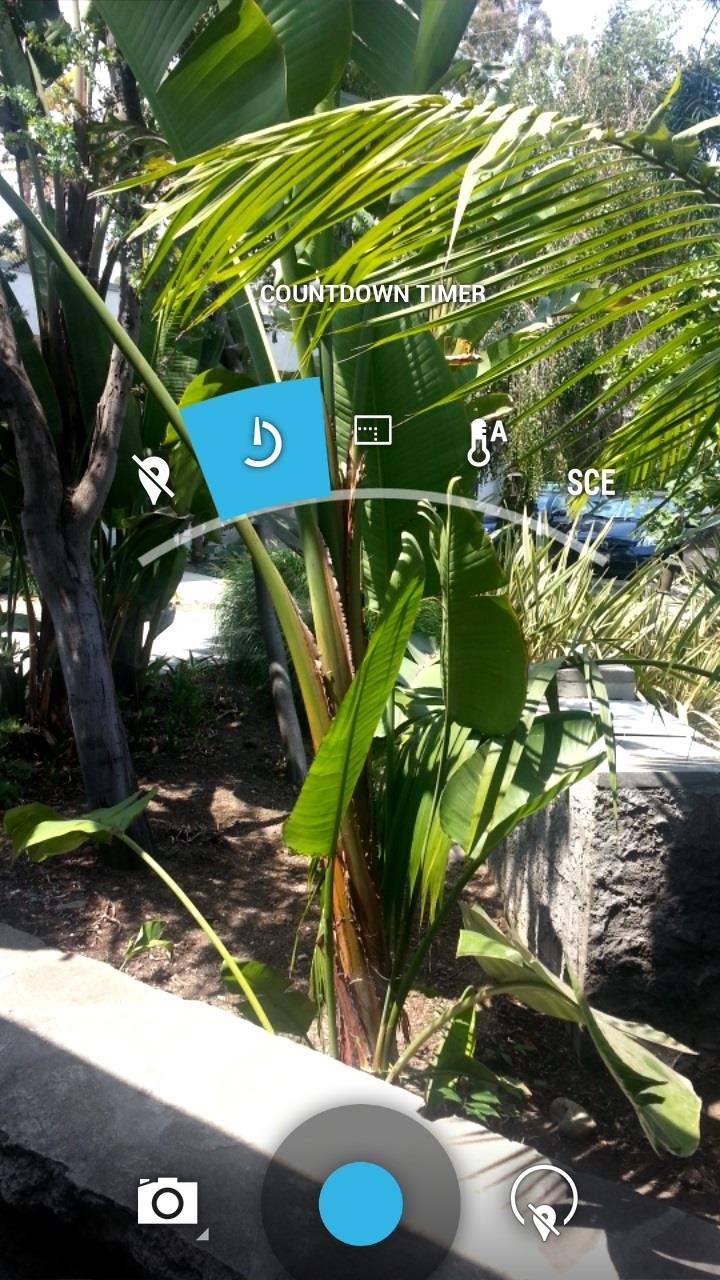
 Android 4.3 is leaked  for Google Play Edition Galaxy S4  Android smartphones.It turns out that 4.3 camera app works wonders on other Android devices such as Note 2, Nexus 4, etc…etc… and gives you the same Android 4.3 camera! 


Just download the apk from the below link and Install it like a normal apk.

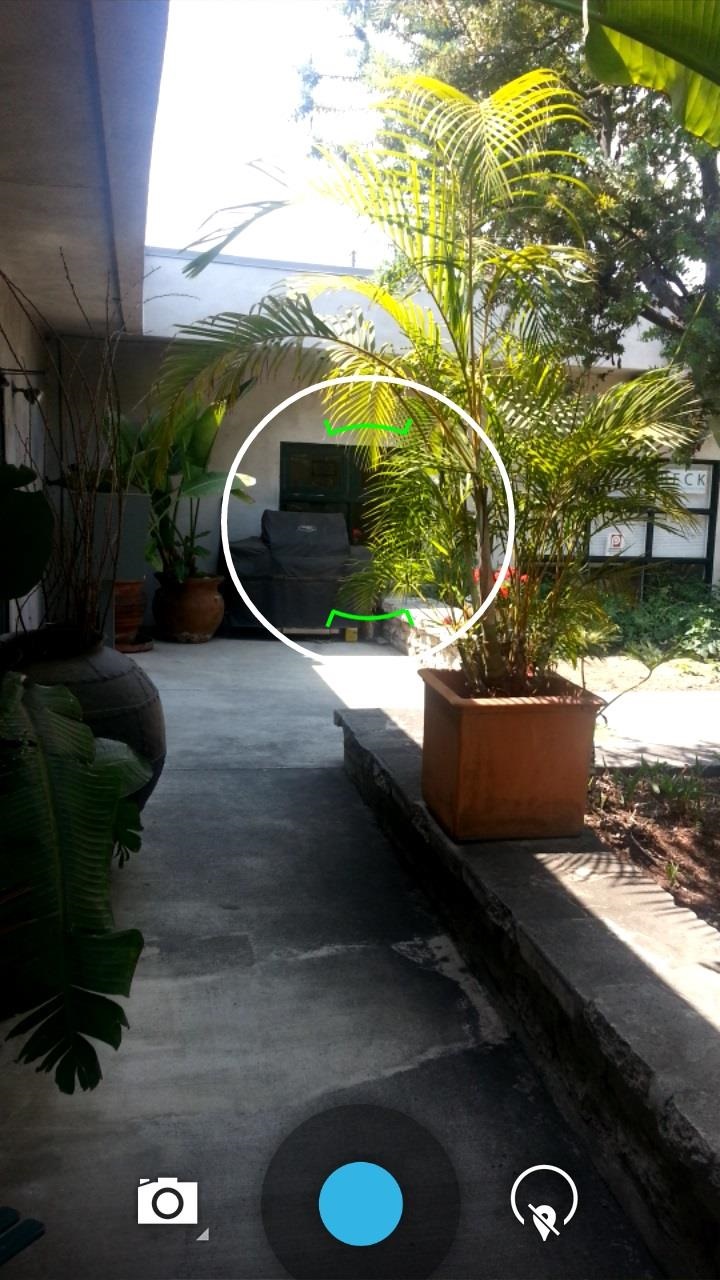
You can install this apk and enjoy 4.3 camera application on all Android Devices running atleast Android version 4.0 .If you install this Android 4.3 camera, it will also install Android 4.3 Gallery app.The latest Android 4.3 camera comes with slightly different menus with upgraded PhotoSphere camera.
Credits – XDA
Read More...